AI study notes for iPhone
Turn learning audio into notes you can actually study
Record or import lectures, explanations, and study audio. Scriptor transcribes the material, creates summaries, titles, and tags, and lets you ask AI questions across your notes.
Built for lectures, courses, explanations, interviews, and study sessions.
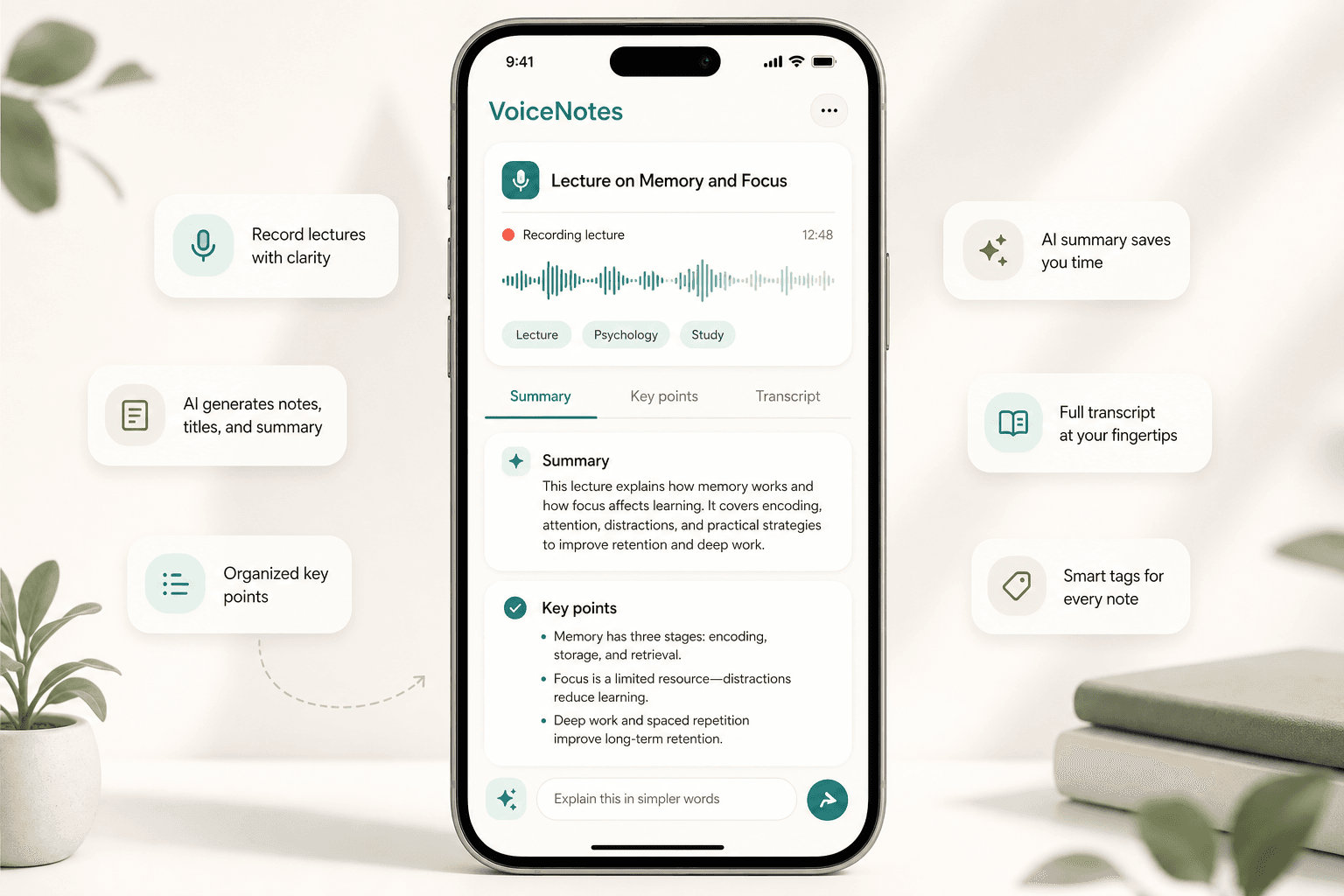
The problem
Listening once is rarely enough
Lectures and explanations can be hard to revisit as raw audio. Replaying long recordings is slow, and important ideas are easy to miss. Scriptor turns learning audio into readable, structured notes that are easier to review, search, and ask questions about.
Record or import
Record a lecture or import study audio
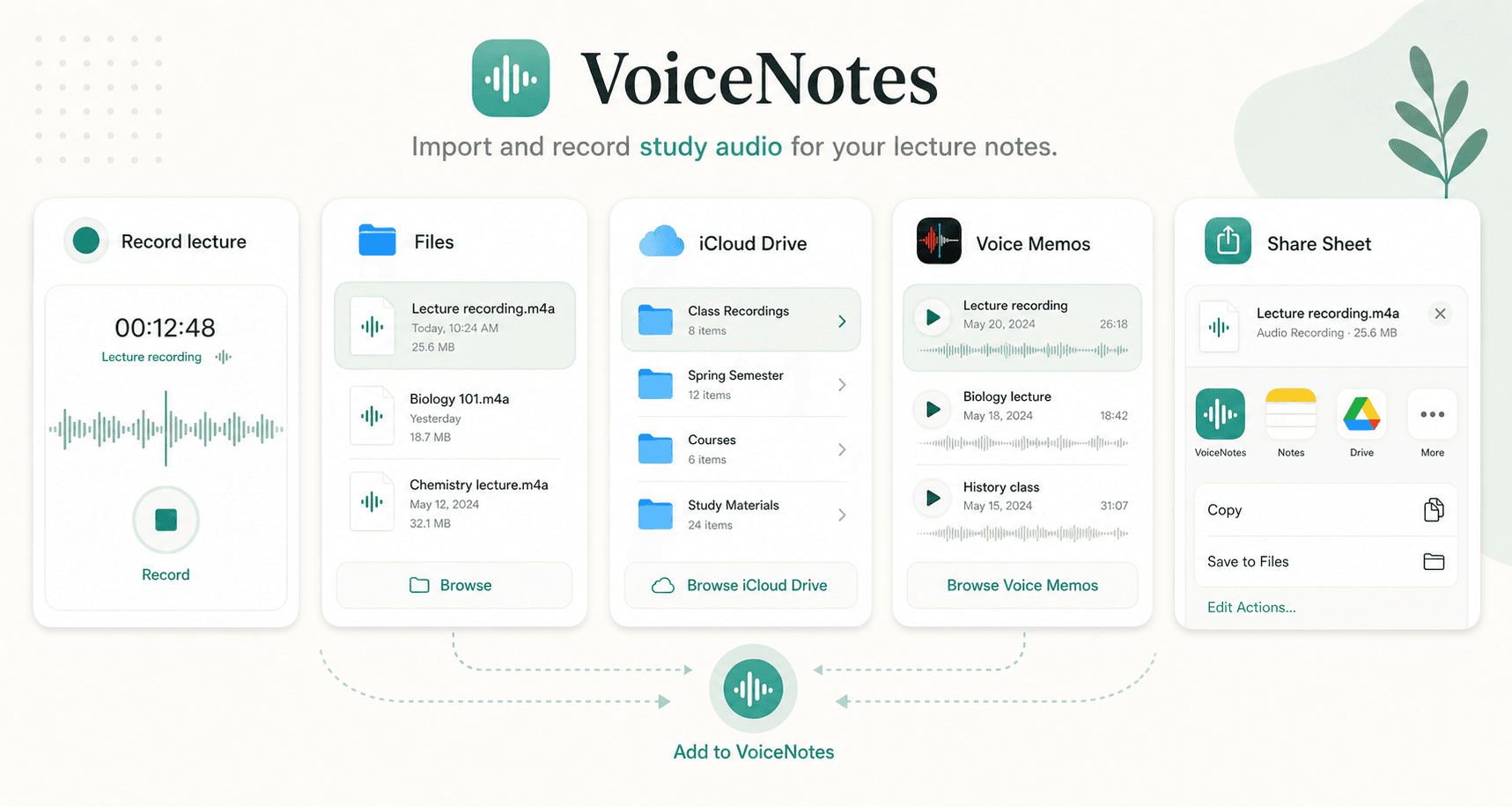
Start a recording in Scriptor or bring in existing course audio from Files, Voice Memos, iCloud Drive, local files, or other apps through the iOS Share Sheet. Turn class recordings and explanations into notes that can be searched and reused.
Lecture transcription
Transcribe lectures into readable text
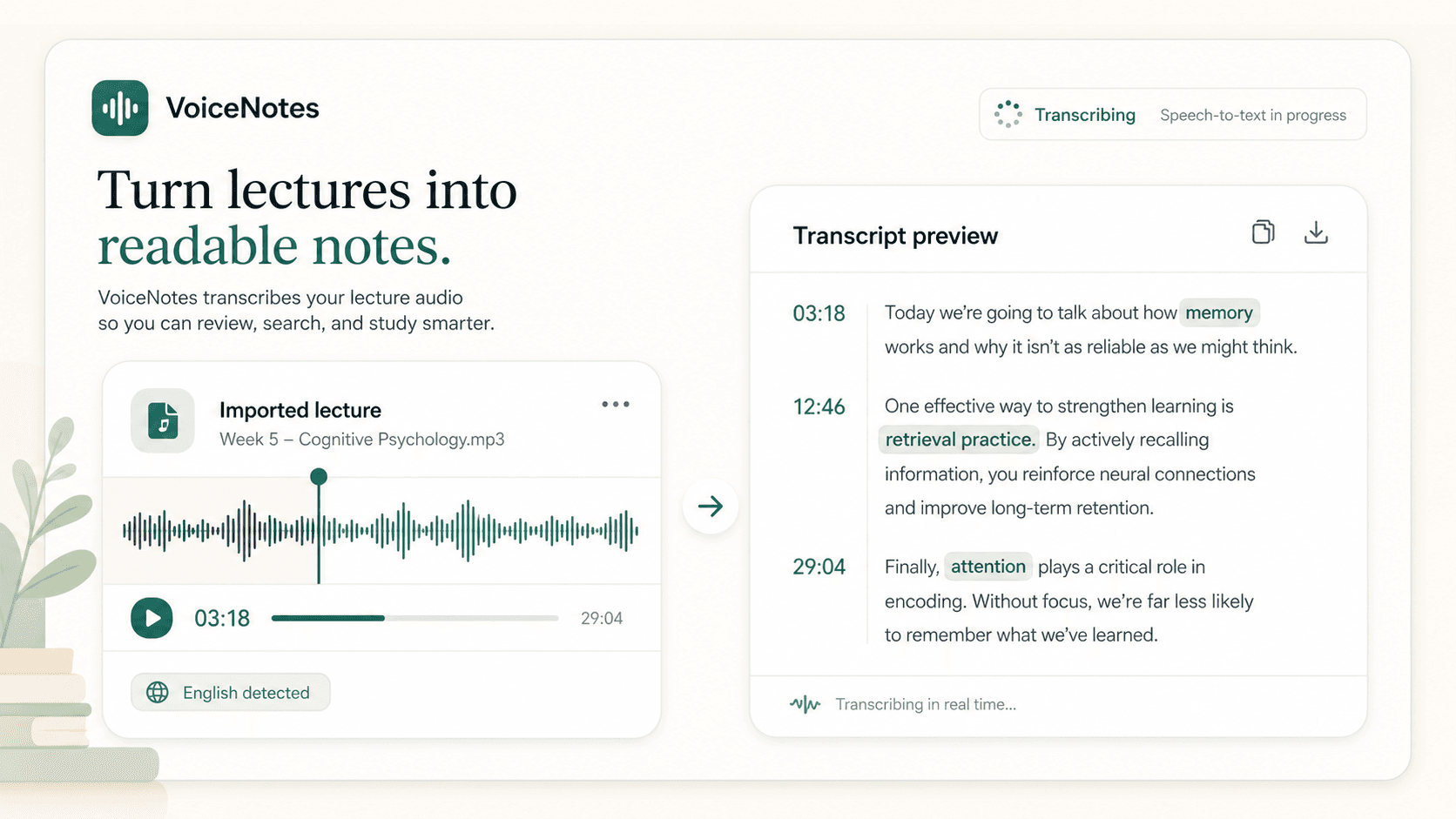
Scriptor uses high-quality speech-to-text models to turn lectures, explanations, interviews, and study audio into readable transcripts. Automatic language detection helps reduce setup, so you can focus on the material instead of transcription settings.
Summary and key points
Get the main ideas without replaying everything
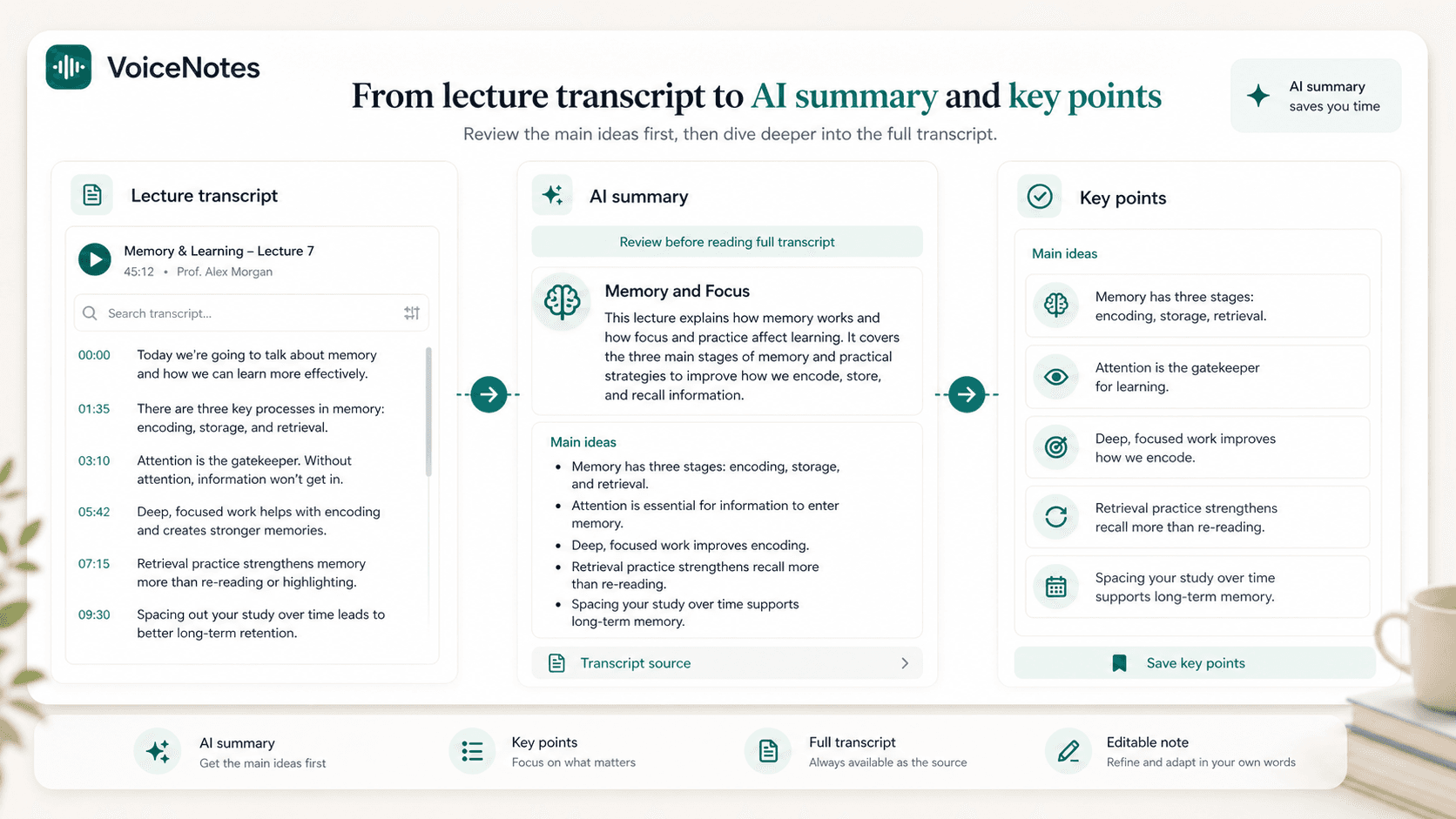
After transcription, Scriptor automatically creates a concise summary and can highlight key points, making lectures, class notes, and course notes easier to review before returning to the full transcript.
Automatic organization
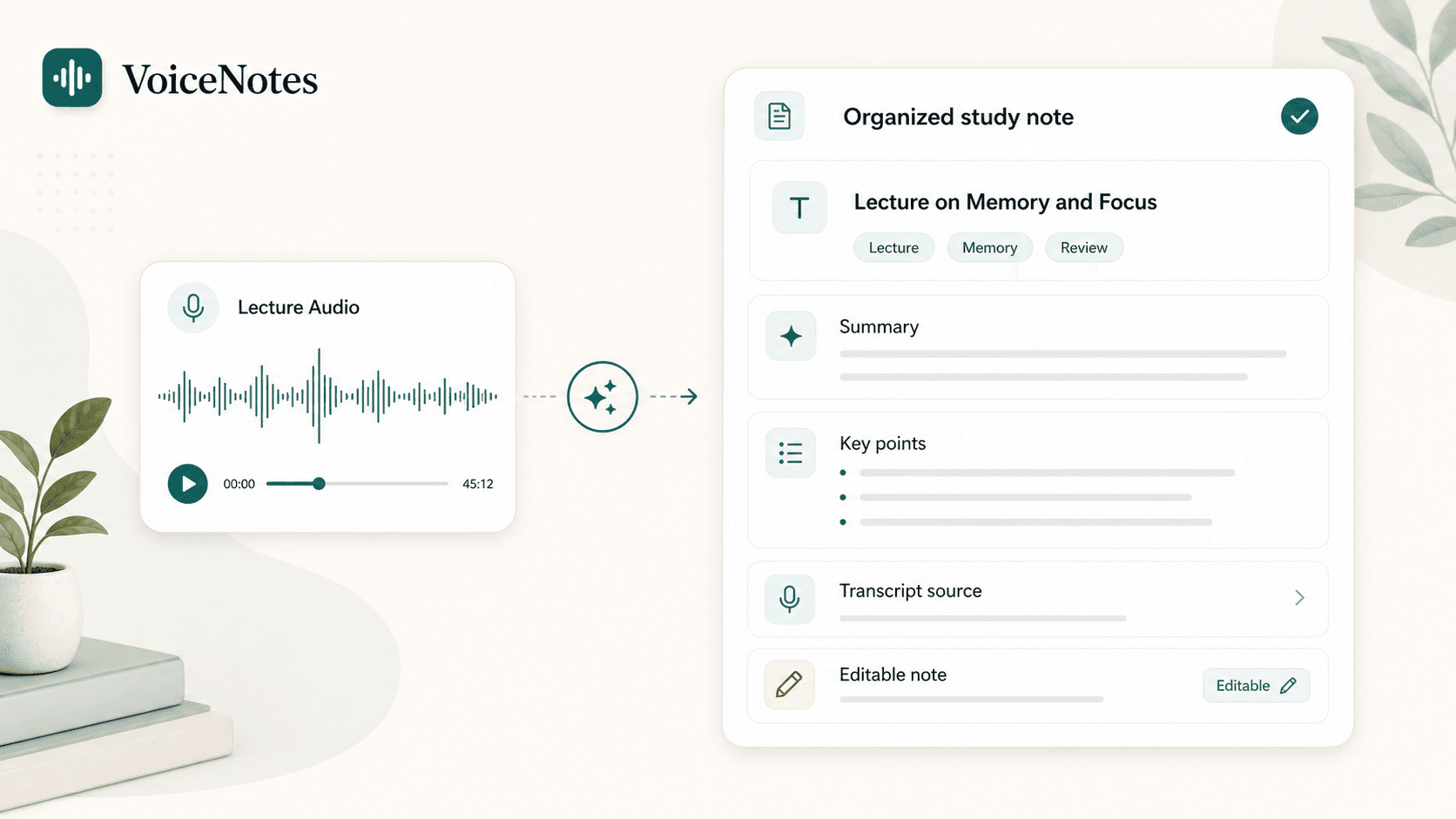
From lecture audio to organized study notes
Scriptor can automatically create a useful title, summary, and tags based on the study material. Instead of another unnamed recording or raw transcript, you get a structured note that is easier to browse, search, and revisit.
Search
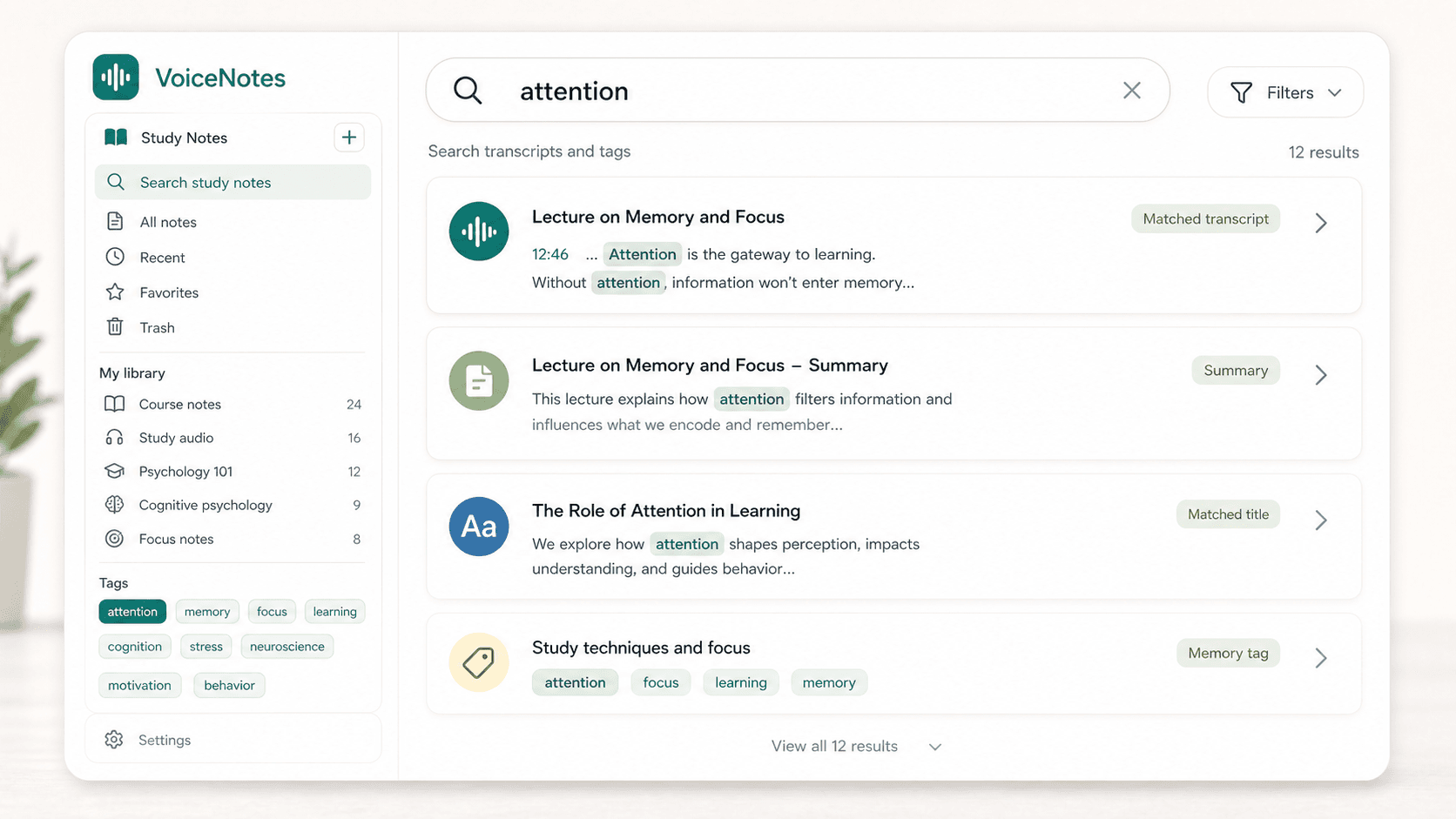
Find topics when you need them
Once lectures and study audio become text, you can search by topic, keyword, title, tag, transcript, or summary instead of replaying long recordings. Scriptor helps turn audio notes for studying into searchable study notes.
AI chat for study
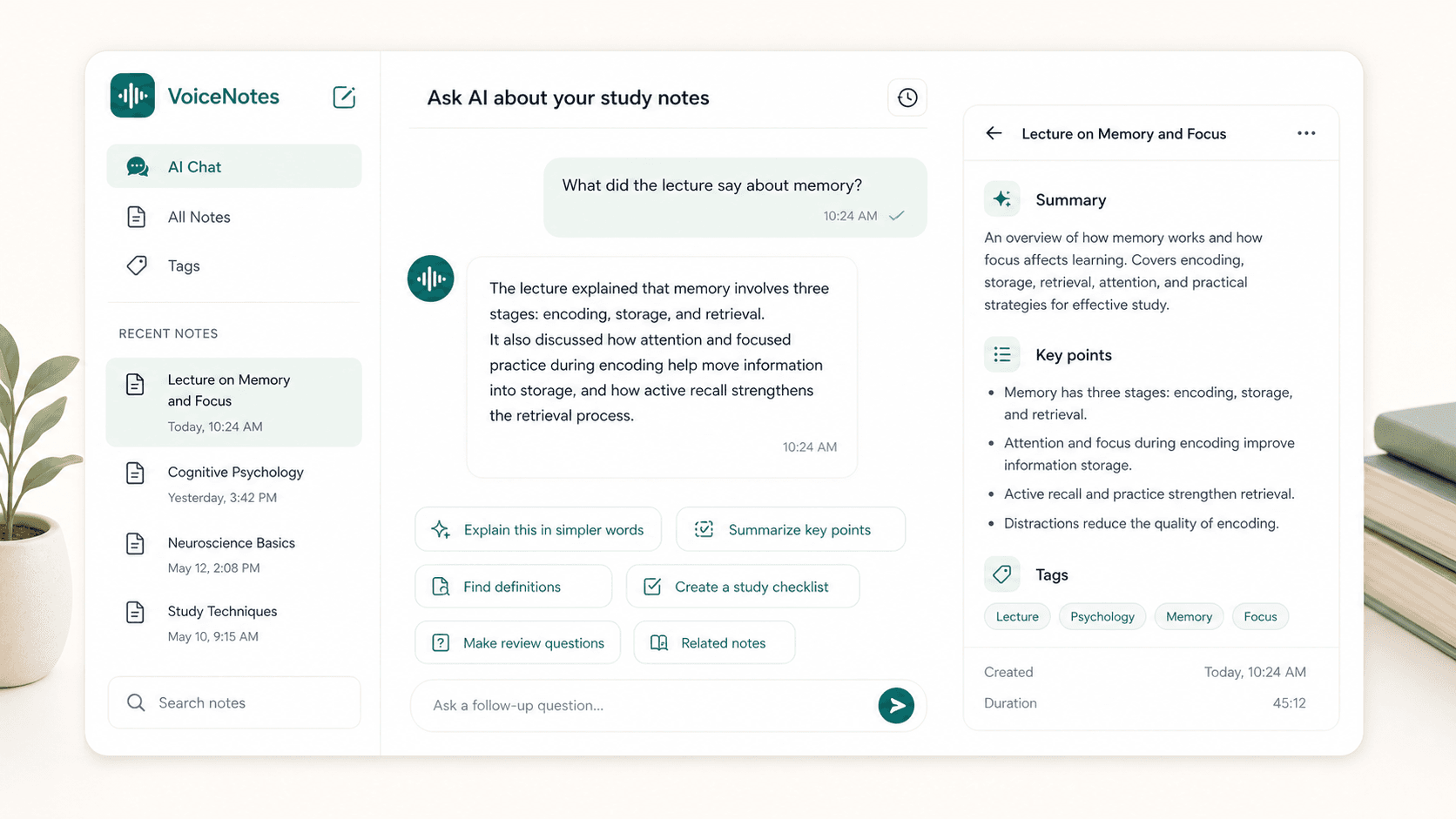
Ask questions about what you learned
Use AI chat to work with one study note or search across the note library. Ask for simpler explanations, key points, definitions, follow-up questions, a study checklist, or related learning notes from previous recordings.
Use the notes
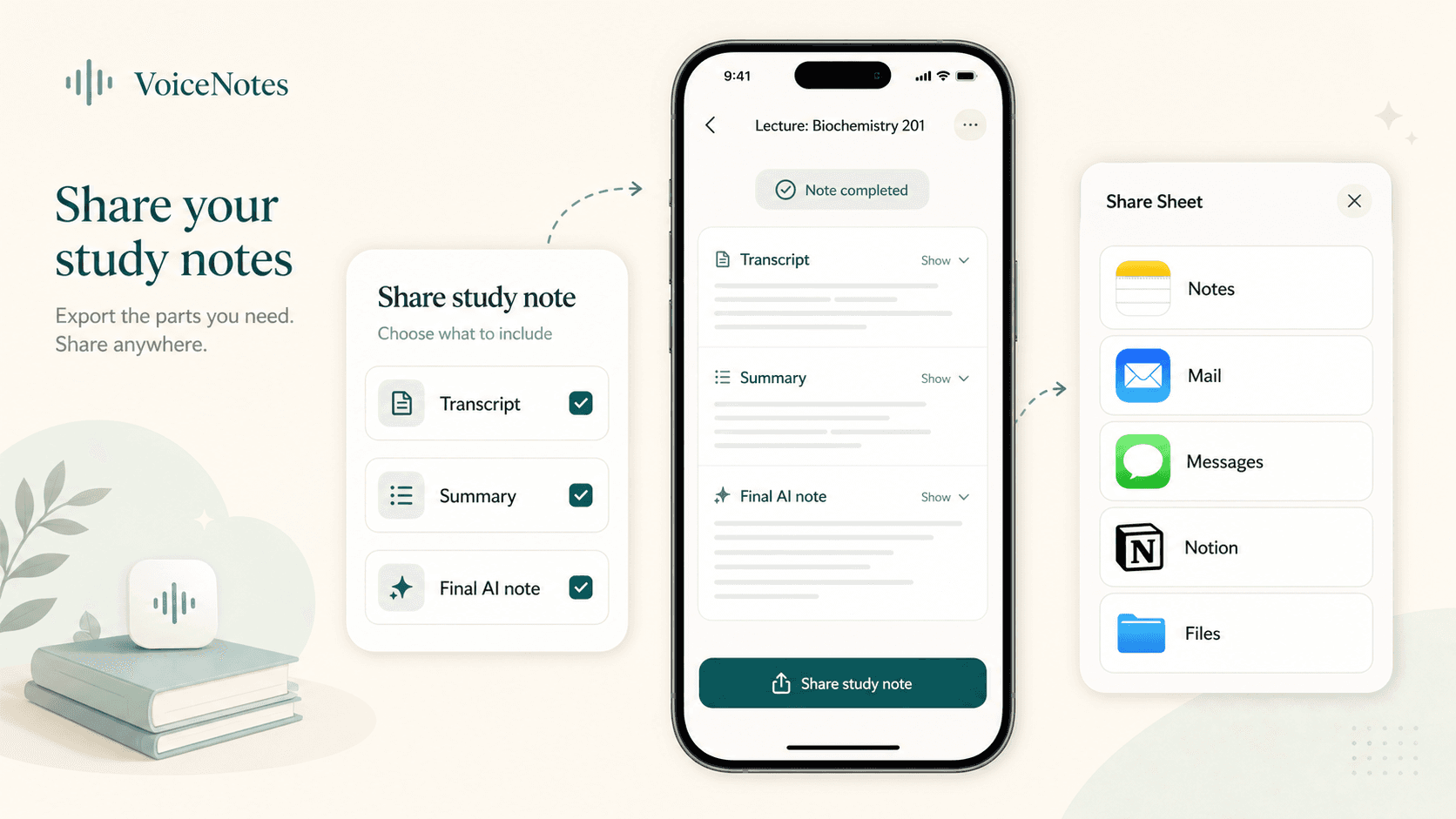
Use your notes wherever you study
Share the transcript, summary, or final AI note through the iOS Share Sheet. Send it to Notes, Mail, Messages, Notion, or any app you already use in your study workflow.
Focused workflow
Focused on study notes, not workspace clutter
Scriptor is designed as a focused personal study and note-taking app: record or import audio, get text and summary, organize the result, and keep learning. It is a study notes app, not a social network or heavy learning workspace.
Review
Turn audio into study notes you can revisit
Use the transcript as the source, edit the AI note when needed, and review the title, summary, key points, and tags when you return to the material later.
Lecture note
Clear title, transcript, summary, and tags.
Review path
Scan key points before reading the full transcript.
Search layer
Find a topic by words, title, summary, or tag.
Coming soon on iOS
Start with your next lecture
Record or import learning audio. Scriptor turns it into clear, searchable study notes on iPhone.