Voice memo app for iPhone
Record voice memos. Find them fast.
Record or import voice memos, transcribe them into text, and keep every memo organized with summaries, titles, tags, search, and AI chat.
Built for quick thoughts, reminders, ideas, meetings, and everyday note-taking.
The problem
Recording is easy. Finding anything later is the hard part.
Regular voice memos are simple to record, but they pile up quickly. They become hard to search, difficult to scan, and awkward to turn into something useful later.
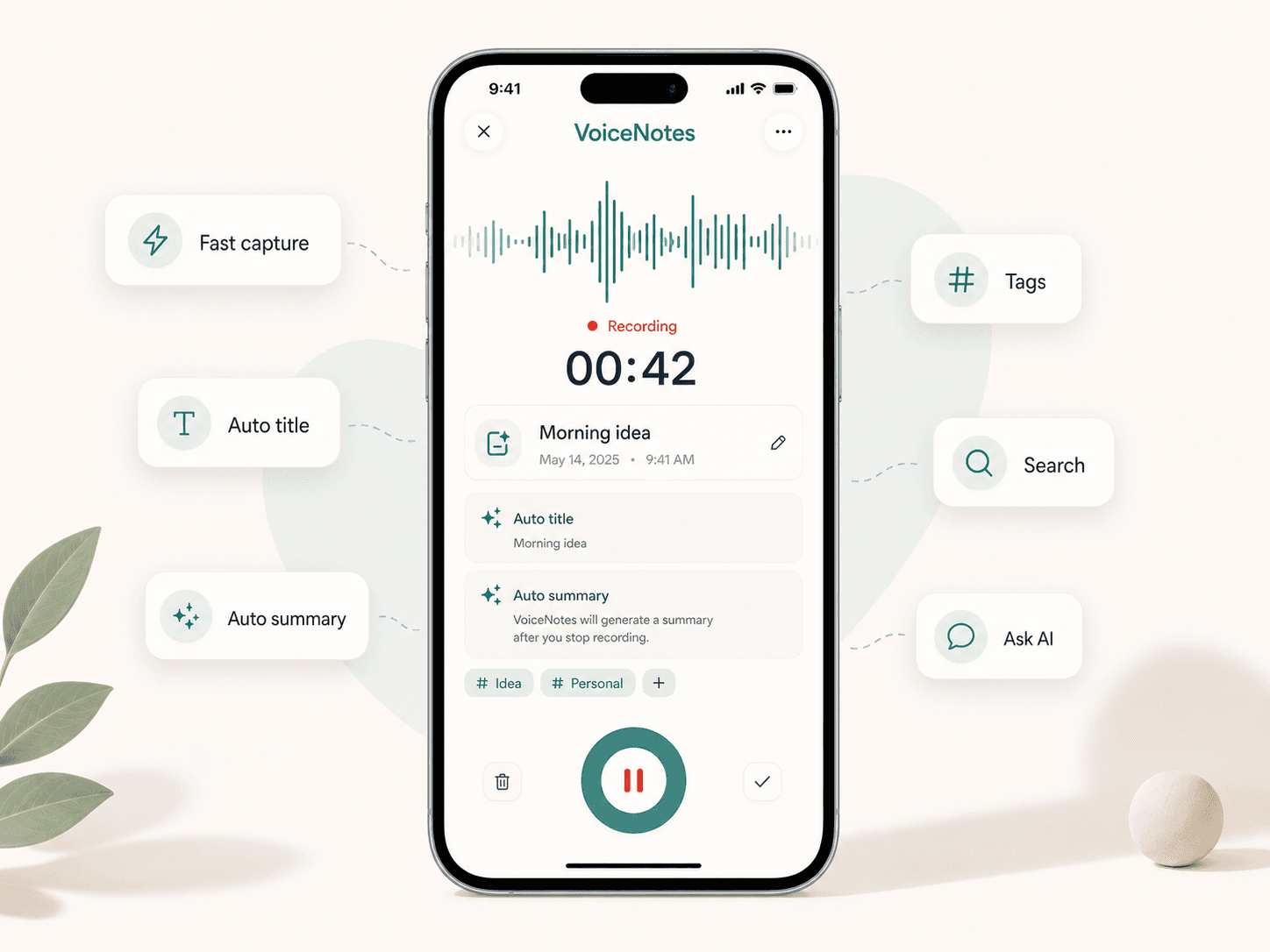
Fast recording
Capture a thought in seconds
Scriptor is built for low-friction voice memo capture on iPhone. Open the app, start recording, and save quick ideas, reminders, work notes, and moments when typing is too slow.
Automatic organization
Organized before you even sort it
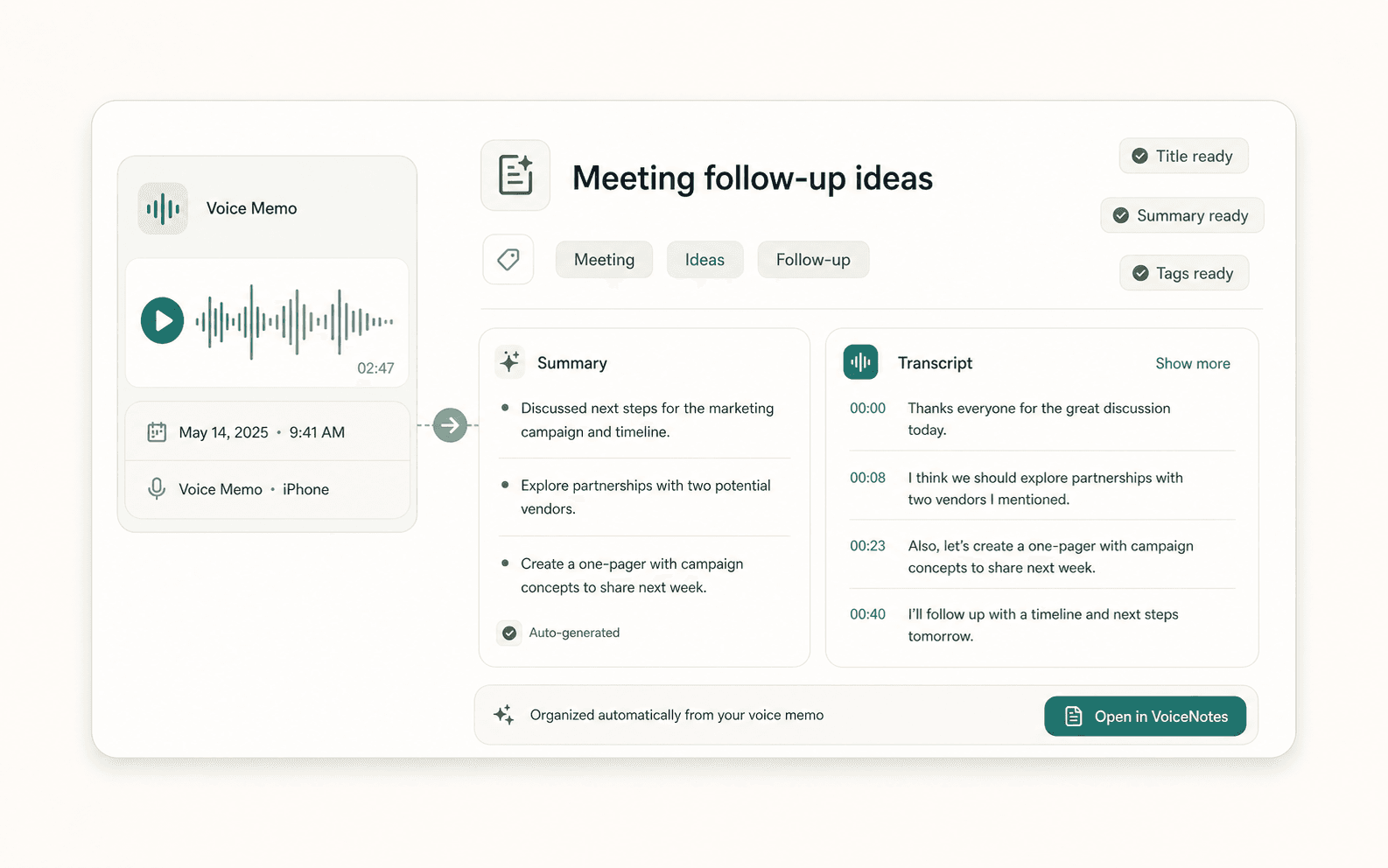
Scriptor automatically creates a useful title, transcript, summary, and tags from each recording. Instead of a list of unnamed audio files, your voice memos become structured notes you can browse, search, and return to later.
Tags
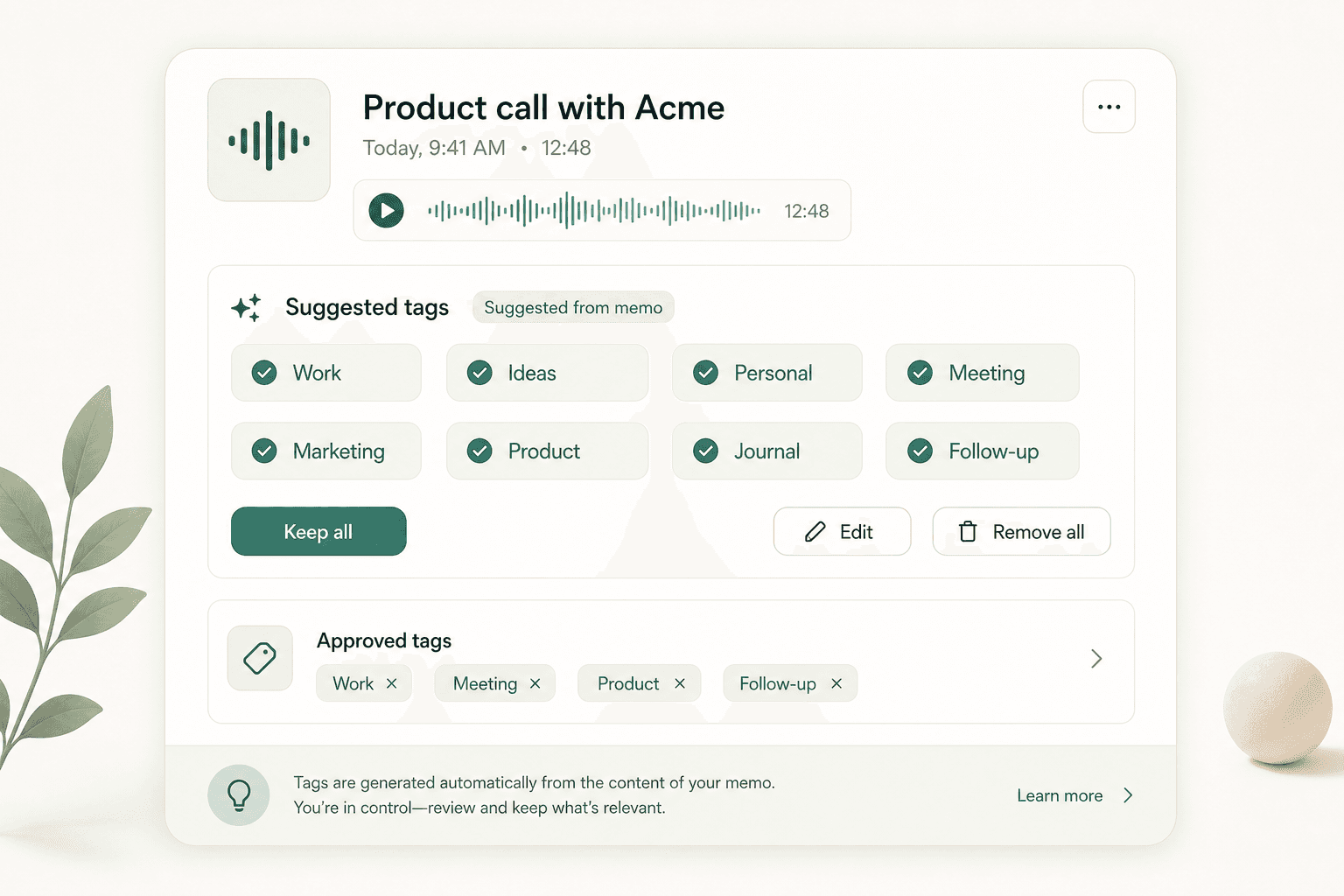
Tag notes so they stay findable
Tags make it easier to group ideas, topics, projects, meetings, and personal notes. Scriptor suggests tags from the memo content, and you can keep, edit, or remove them.
Search
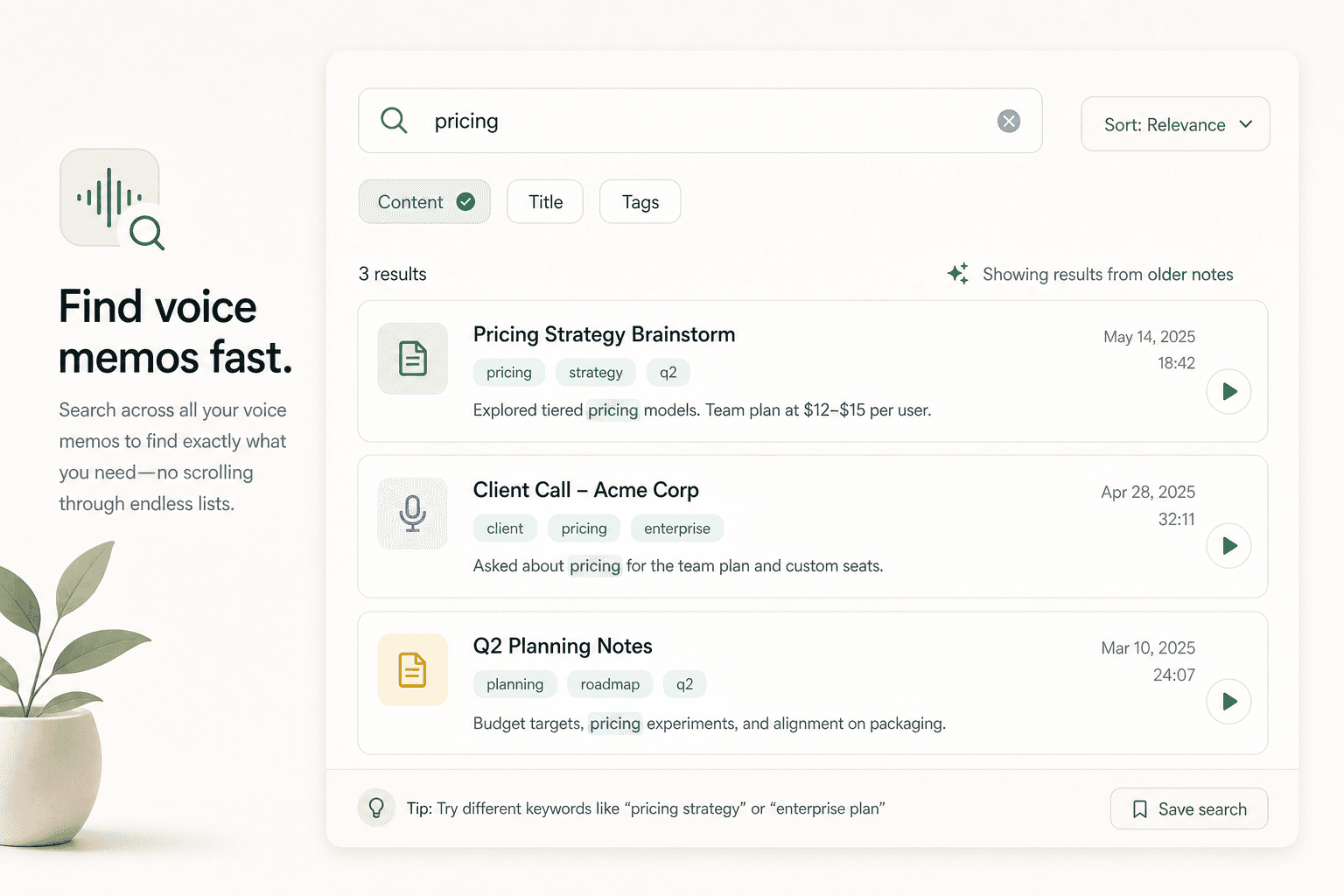
Find the note you need, fast
Instead of scrolling through a long list of audio files, search voice memos by keyword, title, topic, or tag. Find older ideas long after recording them.
AI search
Search with AI when keywords are not enough
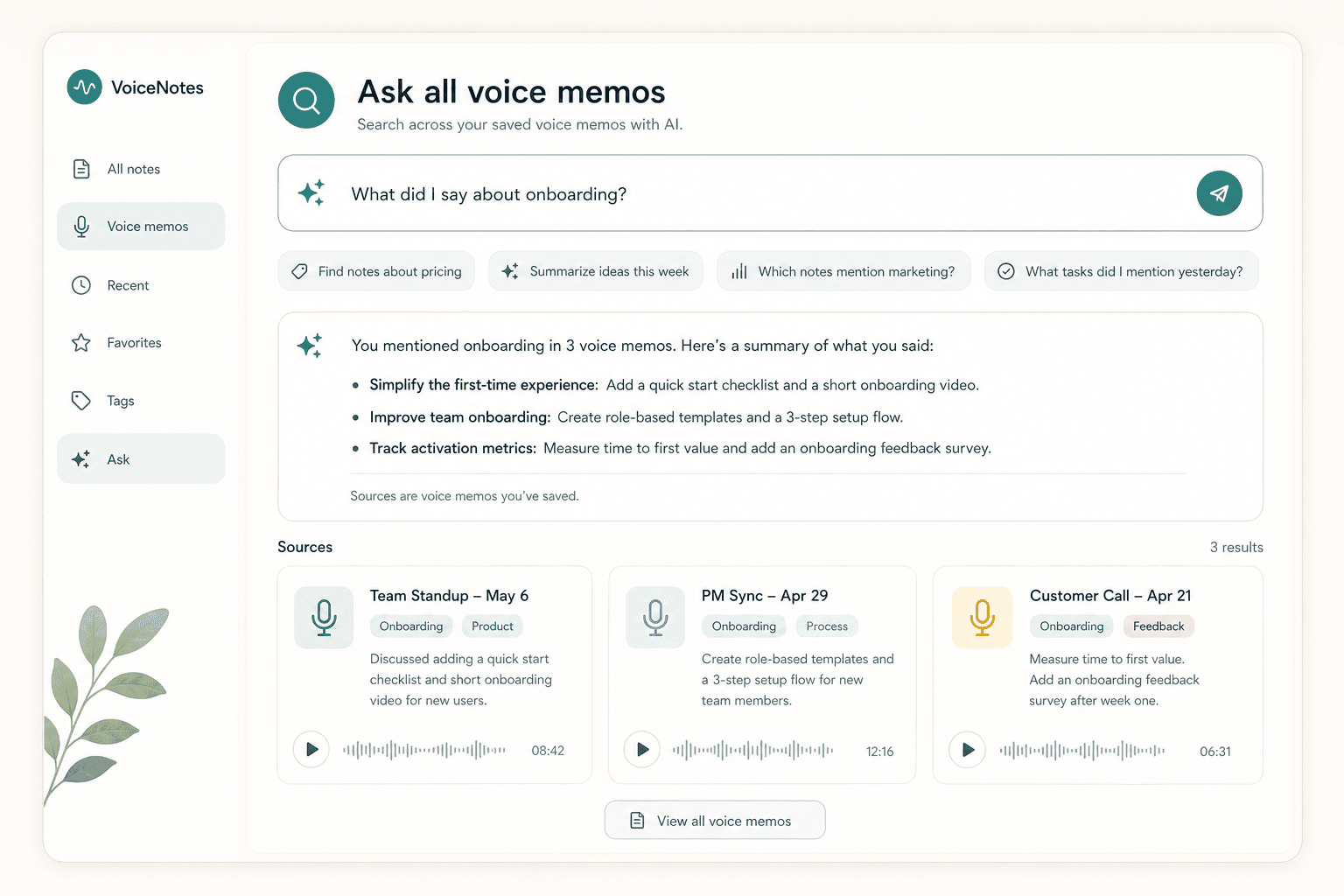
In addition to regular voice memo search, AI chat can help you ask about saved notes in a natural way. Use it to find previous ideas, summarize past memos, or extract tasks across your note library.
Transcription
More useful than raw audio
Scriptor can turn voice memos into readable text with automatic transcription and AI summary, making each recording easier to scan, search, edit, and reuse.
Transcript
Review the voice memo as text and search the actual words you recorded.
Automatic summary
Scan the important points quickly without replaying the full recording.
Editable AI note
Clean up rough speech into a reusable note while keeping the transcript preserved.
Import and export
Bring in audio. Share out notes.
Scriptor should not feel locked inside one app. Bring in existing audio and share the exact version of a note you need through native iOS flows.
Coming soon on iOS
Start with your next voice memo
Record quickly, stay organized, and find what matters later with Scriptor for iPhone.